IAN'S AI THOUGHTSTREAM THOUGHTSTREAM / #tooling
Tag

#tooling

15 posts

2026·05·27 17:24 / 1 MIN

Aqua Voice vs Ghost Pepper

Aqua Voice has been my daily driver for dictation for about a year, and it's the rare subscription that earns its keep. Eight dollars a month, fast, and genuinely accurate. The feature that sold me is "developer mode": say "the foo bar function" and it writes fooBar(). Say "tilde slash dev slash foo" and it writes ~/foo. Built-in macOS and iOS dictation feels embarrassing by comparison.
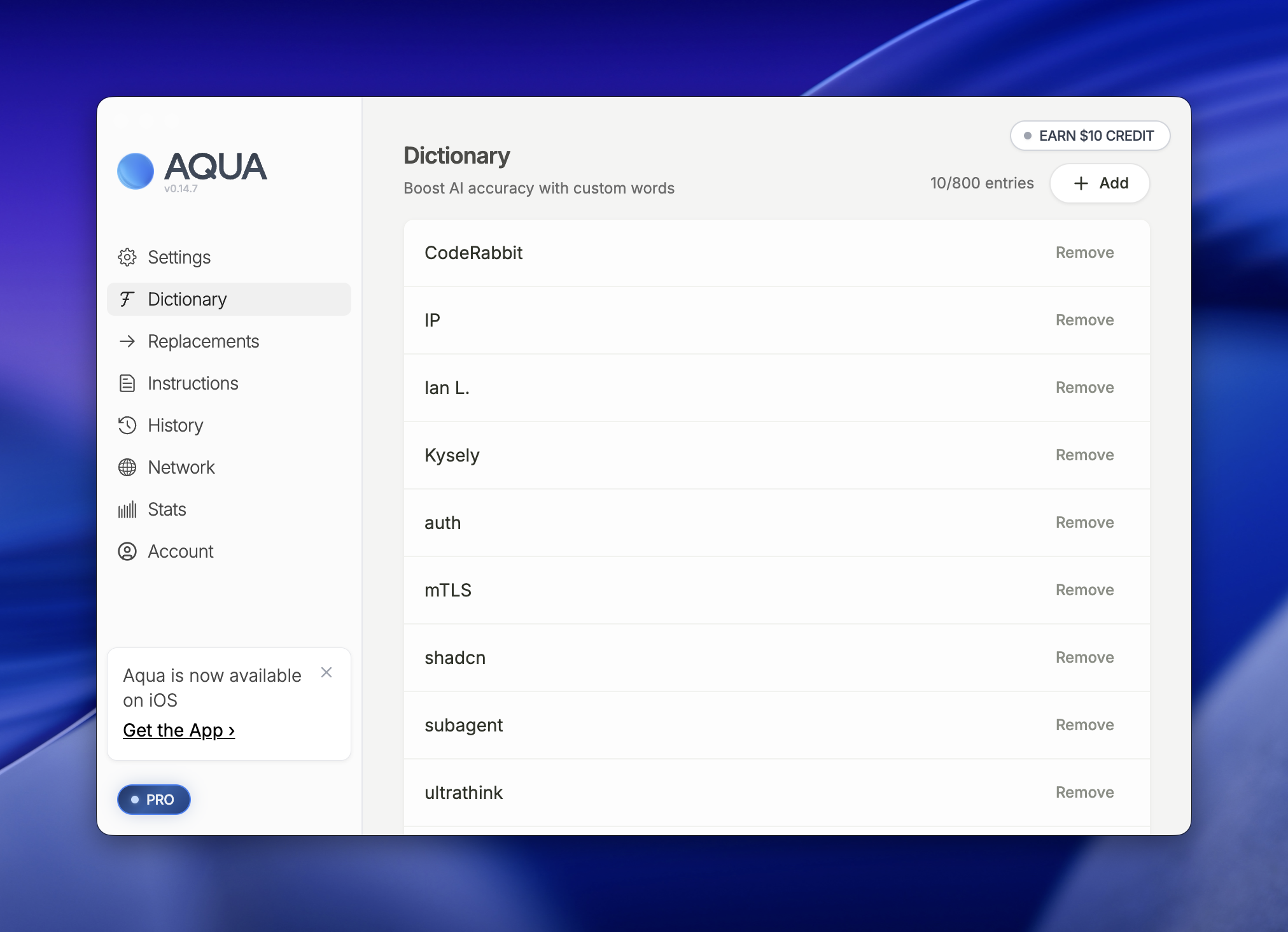
AQUA app interface showing Dictionary feature with custom word entries like CodeRabbit, IP, and auth listed with remove options
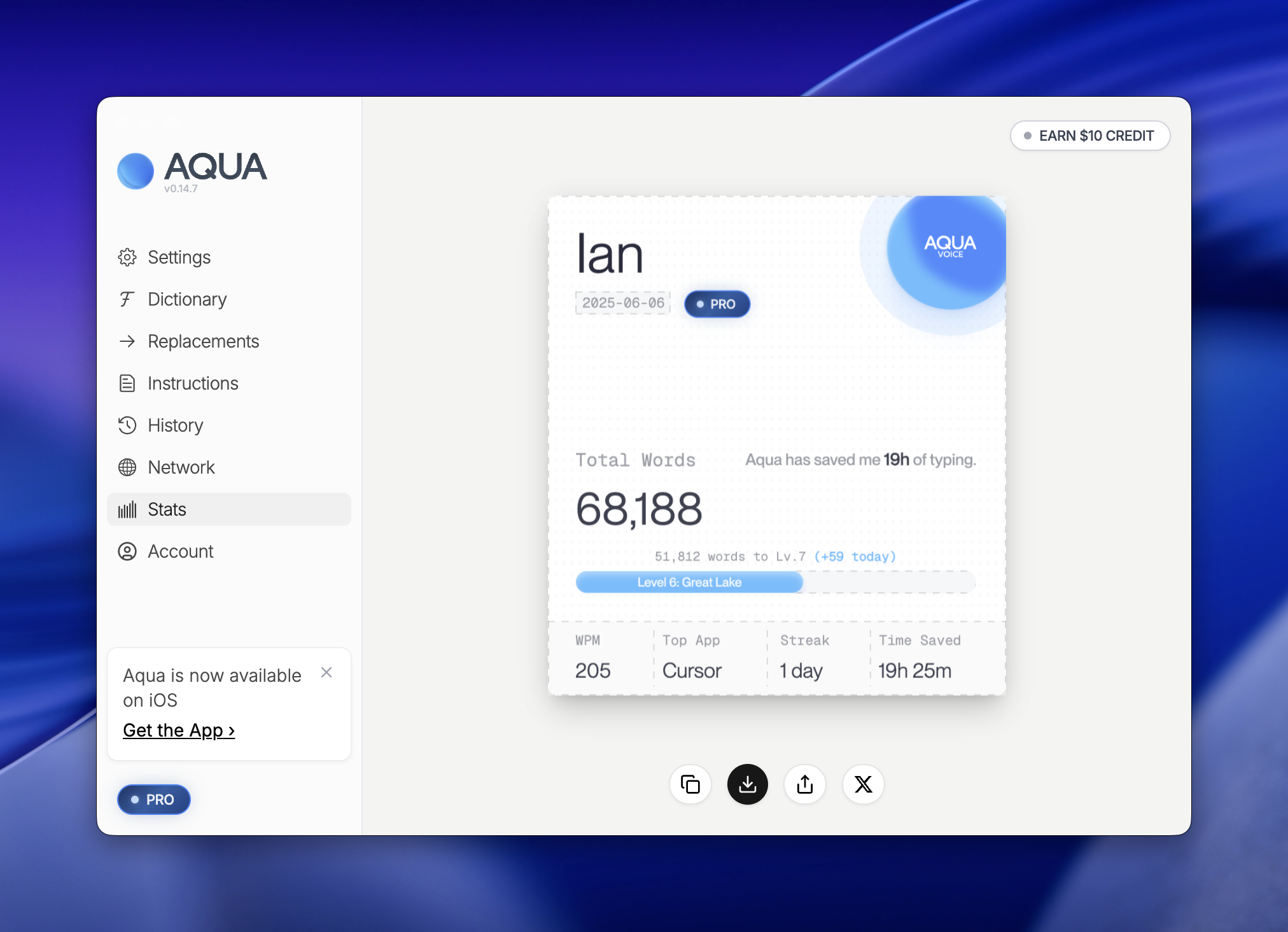
Aqua typing assistant dashboard showing user "Ian" with 68,188 total words typed, 19 hours saved, and Level 6 Great Lake achievement status

68,188 words through it so far. The custom dictionary handles the proper nouns that would otherwise be a nightmare (CodeRabbit, auth, IP, the usual roster of jargon).

The one thing I don't love

Audio leaves my machine. How long is it kept? Where is it stored? The product keeps a history, and I don't want a history. Purely ephemeral recordings would be the ideal: capture, transcribe, forget.

A local-first contender

Ghost Pepper just landed on my radar. 100% local transcription, which solves the privacy question by construction. I haven't tried it yet, but it's next on the list.

The barrier to building this kind of tool is lower than it's ever been. Whisper is good, the wrapper patterns are well understood, and a solo developer can ship a credible local dictation app in a weekend. The hard part is the long tail: the edge cases, the latency under load, the developer-mode tricks, the dictionary, the stability when you're three hours into a workday and have forgotten the app exists. That long tail is what $8/month buys you. We'll see if Ghost Pepper closes the gap.
2026·05·21 17:46 / 2 MIN

Building a Second Brain with Obsidian and Claude

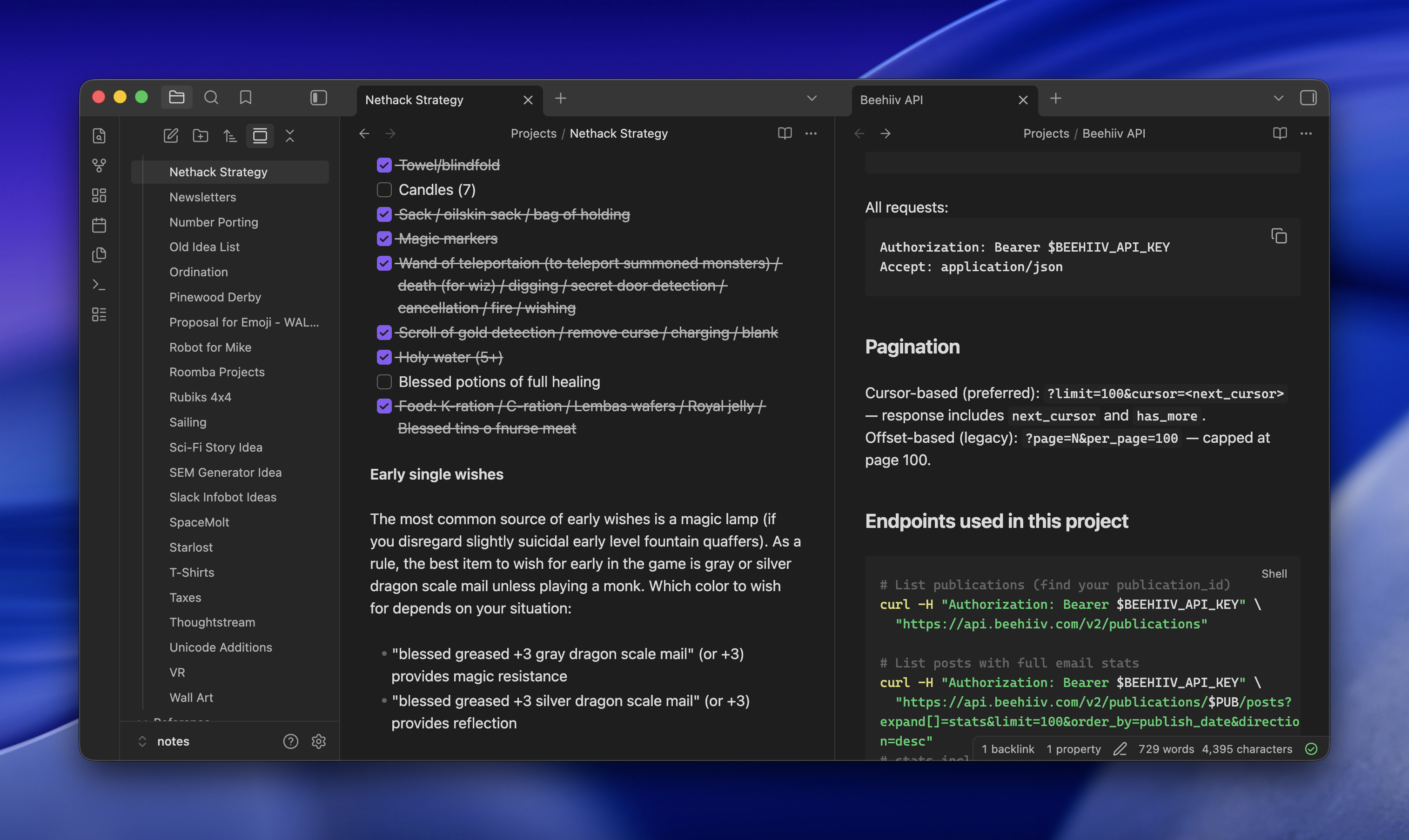
Obsidian sat on my "probably cult, probably skip" list for years. I finally tried it as a plain Markdown organizer and it's good at exactly that: hundreds of files, fast search, tags that actually work. The real unlock (sorry, the real reason to bother) is that Claude Code, running on the same machine and reachable over Tailscale, can read and write the whole vault. Searching got replaced by conversations with my notes.

Getting 15 years of notes in

The vault is around 450 notes pulled from three places.

  • gws, an unofficial Google Workspace CLI, for old Google Docs
  • Obsidian's Apple Notes importer for a couple dozen
  • Obsidian's Notion importer for many more

Bases, Obsidian's lightweight database view over frontmatter, turned out to be the surprise. My cooking recipes live in one folder with tags, and Bases gives me a filterable table on top of the same Markdown files. No separate app, no lock-in.

Claude Code as the interface

Claude Code stays open on my desktop, reachable from my laptop or phone via SSH over Tailscale. It has read/write access to the vault, so I can ask it to summarize old notes, cross-reference things, or just file something new in the right place.

Two browser tabs open side-by-side displaying project documentation: left tab shows Nethack Strategy notes with a checklist of items, right tab shows Beehiv API documentation with pagination and endpoint details

For research, I'll hand it a prompt like:

research what i need to do and it would cost to get a level 2 EV charger installed. ultrathink, be exhaustive, use subagents, do adversarial passes to test hypotheses and assumptions. save final report to Projects/Level 2 Charger

It spawns subagents, argues with itself, and drops a Markdown report in the right folder. I read it later in Obsidian on my phone.

Why not just Claude Desktop

Most people would look at this and say it's Claude Desktop, but nerdier and with extra work. A few things make it worth the setup:

  • Full Claude Code, not the chat product, with Exa wired in for search that reaches pages Claude can't normally crawl and ScrapingBee for even harder things to read (though, yes, you could do that with Claude Desktop)
  • Artifacts land as real files in real folders, not buried in a chat sidebar
  • Obsidian sync means the same notes are on desktop and mobile, and the focus stays on the content instead of the conversation
  • Nothing is Claude-specific. Swap in another coding agent tomorrow and the vault still works

The one annoying part

Pasting images over SSH is awkward. Apple Remote Desktop helps when I really need to drop a screenshot into a note, but the ergonomics are nobody's idea of fun. Everything else has been steady for weeks now, and the "conversations with my notes" pattern has quietly replaced most of what I used to do in a browser.

2026·05·19 17:40 / 1 MIN

Beyond llms.txt for Agent Readability

A friend pointed me at a14y.dev, which scans your site for "agent readability" and hands back a scored fix-list. It's the obvious next thing after llms.txt, and the suggestions are sharper than I expected.

The scorecard is 38 checks pinned at v0.2.0, split across discoverability, parsing, and comprehension. Some are the ones you'd guess: llms.txt exists, robots allows AI bots, canonical links, lang attributes, JSON-LD breadcrumbs. The interesting ones are the suggestions I hadn't seen pushed as a standard yet.

The less obvious suggestions

A Markdown mirror of every page, served at the same URL with a .md suffix, plus a <link rel="alternate" type="text/markdown"> in the HTML head so agents can find it without guessing. Content negotiation on the canonical URL so a request with Accept: text/markdown gets the Markdown directly. A glossary page, because agents resolving acronyms and project-specific terms benefit from one canonical place to look. Language tags on every code block. A /sitemap.md alongside the XML one.

None of these are exotic. They're the kind of thing you'd do for a thoughtful human reader, just written down as pass/fail checks.

The loop they're pushing

The CLI ships with an --output agent-prompt mode that writes a Markdown brief aimed at a coding agent: every failure, its detection rule, the fix, and a link back to the scorecard page. The intended workflow is to pipe that into Claude Code or Codex, let it patch, then re-run with --fail-under 80 in CI. There's also a skills add package for agents that speak the open skills format.

2026·05·17 19:12 / 1 MIN

Idempotent Claude Code Skills

Claude Code is good at creating skills. Say "create a skill that does X" and it makes one. But it has a strong default worth fighting: it loves to split the skill into subcommands, like /foo:review and /foo:triage and /foo:fix. I don't want a menu. The whole point is automation.

So the fix is two lines in the prompt when asking it to write a skill: no subcommands, and make sure the skill can be run idempotently. Run it once, run it ten times, it should converge on the same finished state without me steering.

Idempotence is the part that matters more than it sounds. A skill that's safe to re-run is a skill I can put in a loop, or fire after every commit, or hand to another agent without worrying about double-applying a change. The subcommand version pushes that work back onto me: decide which phase you're in, pick the right verb, remember what you already ran. That's the opposite of automation.

The menu pattern probably comes from training on human-facing CLIs, where breaking work into named steps is good UX. For a skill that an agent is going to invoke, it's the wrong shape. One entry point, idempotent, done when it says it's done.

2026·05·16 19:54 / 1 MIN

Sandboxing AI Coding Agents

Coding agents will happily run whatever they generate, and most of them have your shell, your SSH keys, and your AWS creds one rm -rf away. Sandboxing the agent is the cheapest insurance you can buy, and in 2026 there are finally enough good options that you should pick one.

The landscape splits into a few camps. Full VMs (Firecracker, Lima, OrbStack) give you the strongest isolation and the most overhead. Containers (Docker, Podman, devcontainers) are the default for most people and work fine until the agent needs to touch your real checkout. And then there's the OS-native path: Seatbelt on macOS, seccomp-bpf and Landlock on Linux. Those last two are what the kernel already uses to sandbox App Store apps and Chrome tabs, so the primitives are battle-tested. The friction has always been the ergonomics.

My current favorite is nono. It's a CLI wrapper that uses Landlock on Linux and Seatbelt on macOS to restrict filesystem and network access for any process you launch under it. No container, no VM, no daemon. It ships with profiles for the popular coding agents and lets you write your own, and I've gotten into the habit of creating a profile per project. The agent gets exactly the directories and hosts it needs, and nothing else.

The per-project profile is the part that actually changed my behavior. Once writing a profile takes thirty seconds, you stop talking yourself out of it. The agent can still go off the rails inside the box, but the blast radius is whatever you wrote down, and the rollback story is just git. I'm extremely curious to see where this category goes once more agents ship with sandbox profiles in the box.