▌ IAN'S AI THOUGHTSTREAM ▌ THOUGHTSTREAM / #obsidian
Tag

#obsidian

2 posts

2026·07·01 18:28 / 3 MIN

Team-Wide Agentic Harness

Most of what I've learned about running AI agents lives on my own machine and nowhere else. The Linear-management skill, the sandbox conventions, the notes about how our releases work: all of it sits in my personal setup, invisible to the rest of the team. So I'm building a team-wide agentic harness, a checked-in repository of agent config, skills, and evergreen context that everyone can share, review, and improve.

Brown bags and checked-in skills

We've been running AI brown bag sessions, informal knowledge-transfer where everyone trades tips on how they actually use agents day to day. A lot of what comes out of those is concrete and shareable. I've been showing off skills like a Linear-management skill that reviews our queue, checks progress against the roadmap, organizes releases, and generates release notes tailored to specific customers.

Those are easy to share because they're files. You check them in and someone else can run them.

The parts that don't check in

But a big chunk of using agents well isn't a file. It's convention.

Most of us run agents in sandboxes. The most important rule there is to scope all the work into a single directory. You give the sandbox access to the directory you're working in and nothing outside of it, save a few exceptions. That has downstream consequences: temporary files go in a tmp directory, worktrees go in a worktrees subdirectory, and none of that gets checked in.

A plans or notes directory helps too, a loosely organized bucket of agent output artifacts. You can search and read them with something like Obsidian.

The harness

I want to go a step further and check in an entire top-level directory. I call it the harness.

The idea came from The AI-Native Startup Handbook, though really it just codified something I was already doing. I check out repos and do all my work in one top-level directory. It isn't a monorepo. It's a top-level directory that everything about the company or the larger project can reach: multiple repos, research, notes, plans, skills. Once I looked at it as a unit, a lot of it turned out to be shareable.

The other important piece is evergreen content. Descriptions of the company, the product, and procedures we do often, like how releases work and how we use Linear as a team. Those live in an evergreen docs directory so agents have a grounding point, a place to start from where they already understand the product and the value we're delivering.

Why check it in at all

The strongest argument is simple: skills are code. A skill is a set of instructions an agent executes, and any code change should be reviewed. Treating the harness as a repo means it gets a pull request, a diff, and another set of eyes before it changes how everyone's agents behave.

I've been running all of this myself so far. It works for me. The next step is handing it to the team and seeing whether conventions that live comfortably in one person's head survive contact with everyone else's.

2026·05·21 17:46 / 2 MIN

Building a Second Brain with Obsidian and Claude

Obsidian sat on my "probably cult, probably skip" list for years. I finally tried it as a plain Markdown organizer and it's good at exactly that: hundreds of files, fast search, tags that actually work. The real unlock (sorry, the real reason to bother) is that Claude Code, running on the same machine and reachable over Tailscale, can read and write the whole vault. Searching got replaced by conversations with my notes.

Getting 15 years of notes in

The vault is around 450 notes pulled from three places.

  • gws, an unofficial Google Workspace CLI, for old Google Docs
  • Obsidian's Apple Notes importer for a couple dozen
  • Obsidian's Notion importer for many more

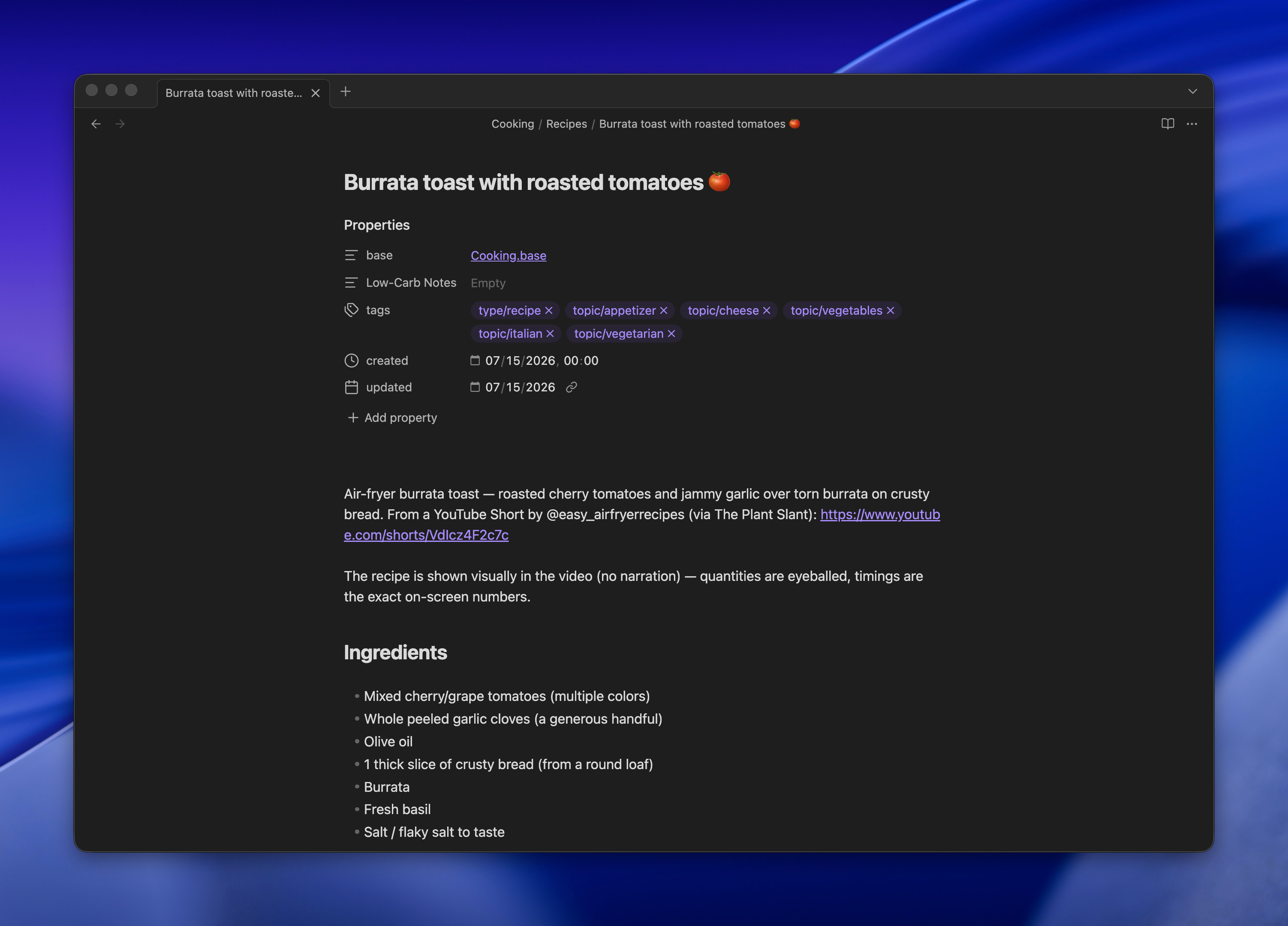
Bases, Obsidian's lightweight database view over frontmatter, turned out to be the surprise. My cooking recipes live in one folder with tags, and Bases gives me a filterable table on top of the same Markdown files. No separate app, no lock-in.

Claude Code as the interface

Claude Code stays open on my desktop, reachable from my laptop or phone via SSH over Tailscale. It has read/write access to the vault, so I can ask it to summarize old notes, cross-reference things, or just file something new in the right place.

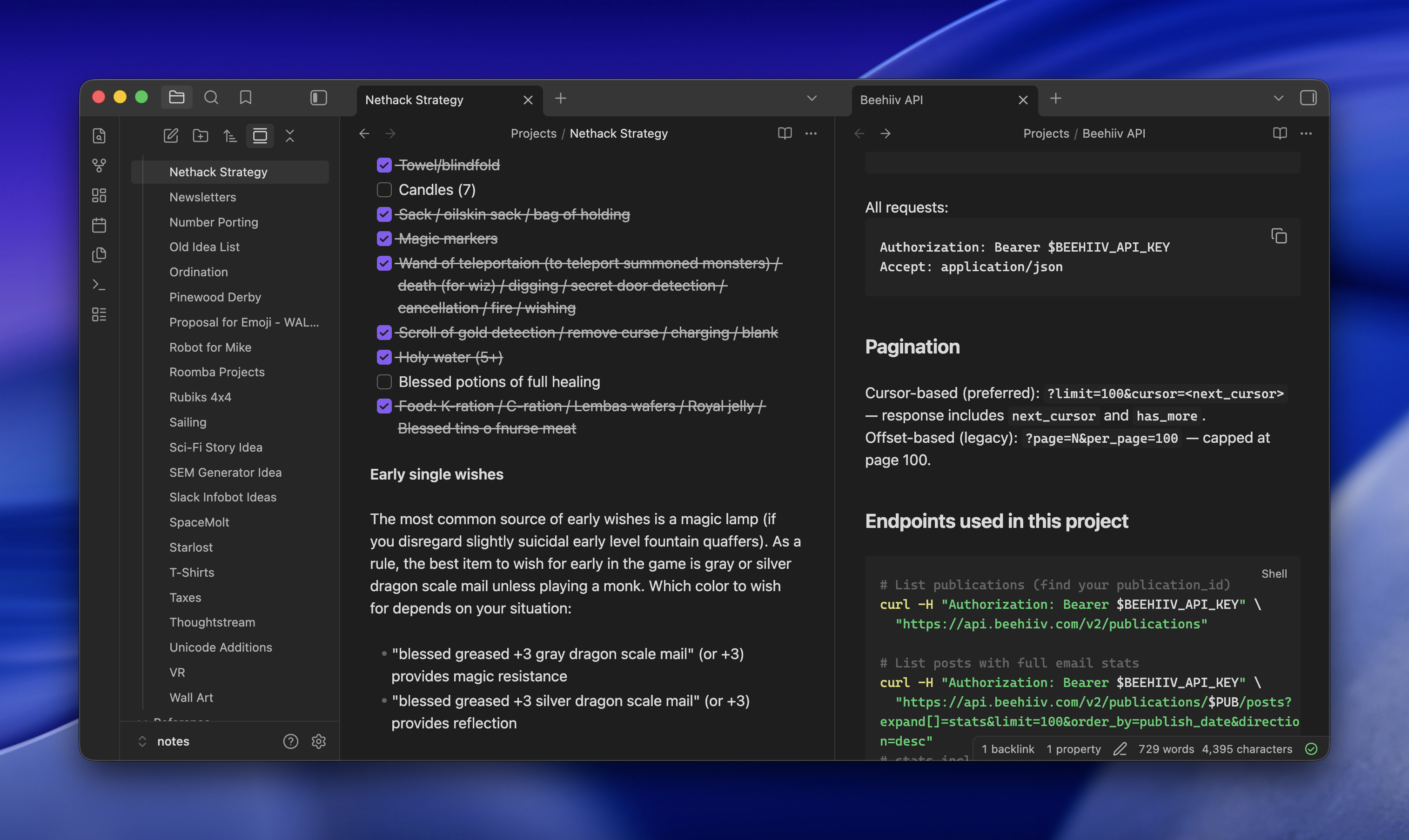
Two browser tabs open side-by-side displaying project documentation: left tab shows Nethack Strategy notes with a checklist of items, right tab shows Beehiv API documentation with pagination and endpoint details

For research, I'll hand it a prompt like:

research what i need to do and it would cost to get a level 2 EV charger installed. ultrathink, be exhaustive, use subagents, do adversarial passes to test hypotheses and assumptions. save final report to Projects/Level 2 Charger

It spawns subagents, argues with itself, and drops a Markdown report in the right folder. I read it later in Obsidian on my phone.

Why not just Claude Desktop

Most people would look at this and say it's Claude Desktop, but nerdier and with extra work. A few things make it worth the setup:

  • Full Claude Code, not the chat product, with Exa wired in for search that reaches pages Claude can't normally crawl and ScrapingBee for even harder things to read (though, yes, you could do that with Claude Desktop)
  • Artifacts land as real files in real folders, not buried in a chat sidebar
  • Obsidian sync means the same notes are on desktop and mobile, and the focus stays on the content instead of the conversation
  • Nothing is Claude-specific. Swap in another coding agent tomorrow and the vault still works

The one annoying part

Pasting images over SSH is awkward. Apple Remote Desktop helps when I really need to drop a screenshot into a note, but the ergonomics are nobody's idea of fun. Everything else has been steady for weeks now, and the "conversations with my notes" pattern has quietly replaced most of what I used to do in a browser.