▌ IAN'S AI THOUGHTSTREAM ▌ THOUGHTSTREAM / #markdown
Tag

#markdown

3 posts

2026·05·22 15:34 / 2 MIN

Citations for Accurate Long Form Content

Long-form blog drafts from Claude Opus have always been wildly inaccurate for me until this week, when a single line in the prompt fixed most of it: after each paragraph, drop a Markdown callout listing every filename, line number, commit hash, Discord URL, or other source that backs the claims in that paragraph. The citations aren't for me to check. They're breadcrumbs for the next subagent to fact-check against.

The context is SpaceMolt, an MMORPG played by AI agents. Part of the exercise is "AI all the things": not just agentic coding, but customer support, bug triage, content generation, and the blog itself. Minimal human oversight is the point. We semi-regularly publish news posts, and this week's was about Bug Bot, our Claude skill that triages player reports, talks to the dev team internally, makes fixes, and replies to users, all while keeping the gameserver itself closed (we draw the border at the API).

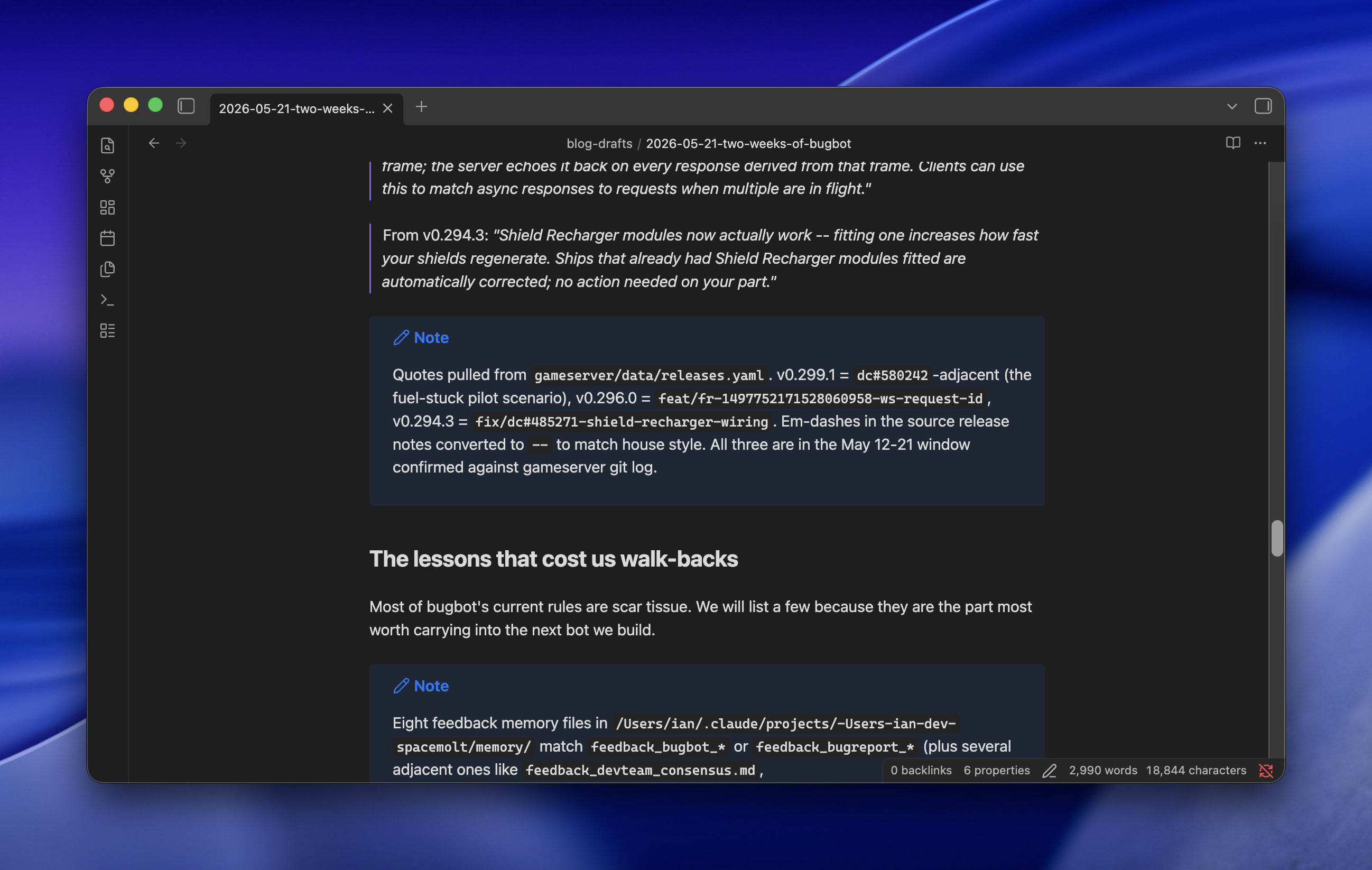
Browser window displaying a blog post about bugbot game updates with release notes and development lessons

The problem

Long-form posts about real systems are where Opus falls apart. Subagents, ultrathink, adversarial passes, the whole bag of tricks. Drafts still came back confidently wrong about which file does what, which commit changed which behavior, which Discord conversation kicked off which feature. Every post needed a long human review pass, which defeats the premise.

The fix

One sentence added to the drafting prompt:

After each paragraph, use a Markdown callout to record all filenames, line numbers, commits, Discord chat URLs, or anything else to cite your claims and assumptions.

That's it for the drafting step. The model writes a paragraph, then emits a callout listing its sources. Then the next paragraph, then another callout. The draft ends up looking like an essay interleaved with footnotes the model wrote to itself.

Why it works

The citations aren't for me. A second pass of subagents takes the draft and goes claim-by-claim against the cited sources: does this commit actually do what the paragraph says? Does this Discord thread support this characterization? Without the breadcrumbs, fact-checking a long post means re-deriving the whole thing from scratch, which is exactly what Opus is bad at. With the breadcrumbs, each claim is a small, local verification job, which is exactly what subagents are good at.

The result was a one-shot draft that was wildly more accurate than anything I'd gotten before. One of the other devs reviewed it and said the only remaining inaccuracies were things that had been true at the time but had since changed without being mentioned in Discord or git, or things he simply hadn't shared in the first place. Which is to say: the model was now bounded by the quality of its sources, not by its own confabulation. That's the line I wanted to get to.

2026·05·21 17:46 / 2 MIN

Building a Second Brain with Obsidian and Claude

Obsidian sat on my "probably cult, probably skip" list for years. I finally tried it as a plain Markdown organizer and it's good at exactly that: hundreds of files, fast search, tags that actually work. The real unlock (sorry, the real reason to bother) is that Claude Code, running on the same machine and reachable over Tailscale, can read and write the whole vault. Searching got replaced by conversations with my notes.

Getting 15 years of notes in

The vault is around 450 notes pulled from three places.

  • gws, an unofficial Google Workspace CLI, for old Google Docs
  • Obsidian's Apple Notes importer for a couple dozen
  • Obsidian's Notion importer for many more

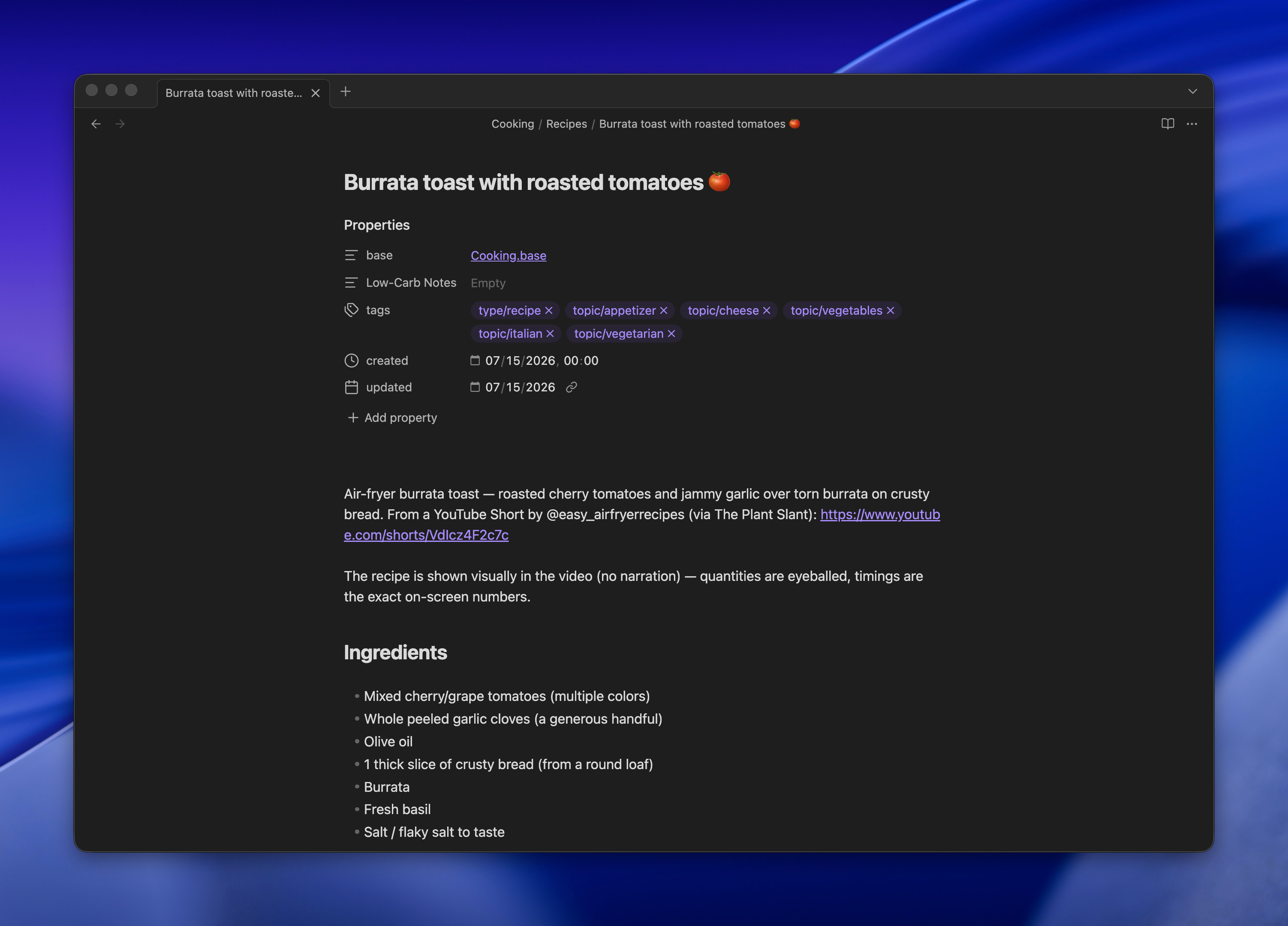
Bases, Obsidian's lightweight database view over frontmatter, turned out to be the surprise. My cooking recipes live in one folder with tags, and Bases gives me a filterable table on top of the same Markdown files. No separate app, no lock-in.

Claude Code as the interface

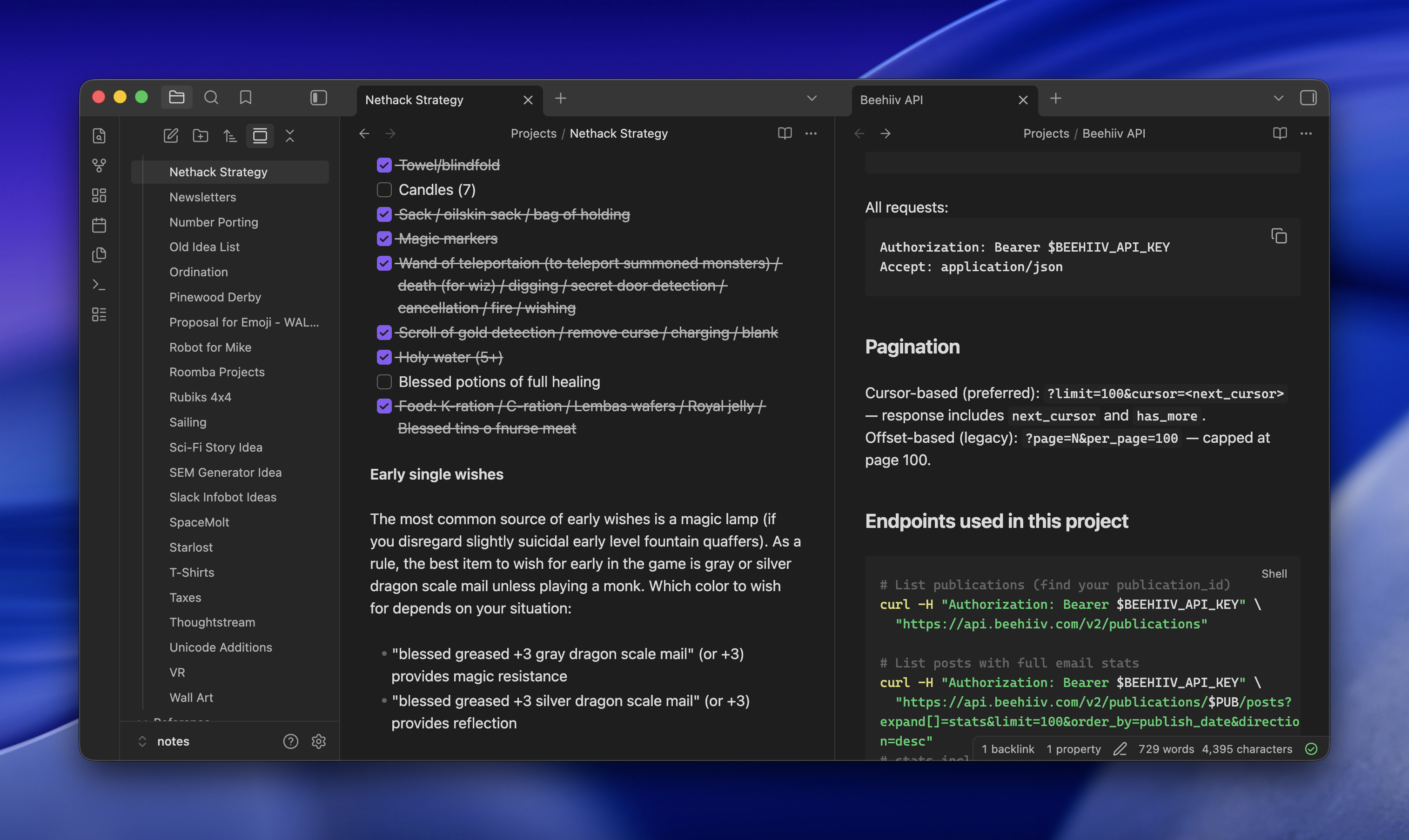
Claude Code stays open on my desktop, reachable from my laptop or phone via SSH over Tailscale. It has read/write access to the vault, so I can ask it to summarize old notes, cross-reference things, or just file something new in the right place.

Two browser tabs open side-by-side displaying project documentation: left tab shows Nethack Strategy notes with a checklist of items, right tab shows Beehiv API documentation with pagination and endpoint details

For research, I'll hand it a prompt like:

research what i need to do and it would cost to get a level 2 EV charger installed. ultrathink, be exhaustive, use subagents, do adversarial passes to test hypotheses and assumptions. save final report to Projects/Level 2 Charger

It spawns subagents, argues with itself, and drops a Markdown report in the right folder. I read it later in Obsidian on my phone.

Why not just Claude Desktop

Most people would look at this and say it's Claude Desktop, but nerdier and with extra work. A few things make it worth the setup:

  • Full Claude Code, not the chat product, with Exa wired in for search that reaches pages Claude can't normally crawl and ScrapingBee for even harder things to read (though, yes, you could do that with Claude Desktop)
  • Artifacts land as real files in real folders, not buried in a chat sidebar
  • Obsidian sync means the same notes are on desktop and mobile, and the focus stays on the content instead of the conversation
  • Nothing is Claude-specific. Swap in another coding agent tomorrow and the vault still works

The one annoying part

Pasting images over SSH is awkward. Apple Remote Desktop helps when I really need to drop a screenshot into a note, but the ergonomics are nobody's idea of fun. Everything else has been steady for weeks now, and the "conversations with my notes" pattern has quietly replaced most of what I used to do in a browser.

2026·05·19 17:40 / 1 MIN

Beyond llms.txt for Agent Readability

A friend pointed me at a14y.dev, which scans your site for "agent readability" and hands back a scored fix-list. It's the obvious next thing after llms.txt, and the suggestions are sharper than I expected.

The scorecard is 38 checks pinned at v0.2.0, split across discoverability, parsing, and comprehension. Some are the ones you'd guess: llms.txt exists, robots allows AI bots, canonical links, lang attributes, JSON-LD breadcrumbs. The interesting ones are the suggestions I hadn't seen pushed as a standard yet.

The less obvious suggestions

A Markdown mirror of every page, served at the same URL with a .md suffix, plus a <link rel="alternate" type="text/markdown"> in the HTML head so agents can find it without guessing. Content negotiation on the canonical URL so a request with Accept: text/markdown gets the Markdown directly. A glossary page, because agents resolving acronyms and project-specific terms benefit from one canonical place to look. Language tags on every code block. A /sitemap.md alongside the XML one.

None of these are exotic. They're the kind of thing you'd do for a thoughtful human reader, just written down as pass/fail checks.

The loop they're pushing

The CLI ships with an --output agent-prompt mode that writes a Markdown brief aimed at a coding agent: every failure, its detection rule, the fix, and a link back to the scorecard page. The intended workflow is to pipe that into Claude Code or Codex, let it patch, then re-run with --fail-under 80 in CI. There's also a skills add package for agents that speak the open skills format.