Downgrading Claude for GLM
I downgraded my Claude subscription from $200/mo to $100/mo and started paying Cursor $60/mo instead. The trigger was Wednesday's Claude outage, but the real reason is that GLM-5.2 through Cursor has been fast enough and good enough that the math stopped favoring Opus. If a model is 80% as good as Opus 5 but roughly 7x faster, I'll take the speed and pay for the 80%.
The unscientific test
Same workspace, same CLAUDE.md/AGENTS.md, high effort on both. The prompt was "make a quick tetris game as an html file," followed immediately by "now use cyberpunk colors."
Two setups: Cursor running GLM-5.2, and Claude Code running Opus 5.
GLM finished in 53 seconds. Opus took 7 minutes 5 seconds, though a good 2-3 minutes of that was Opus testing the game with Playwright, which GLM didn't do.
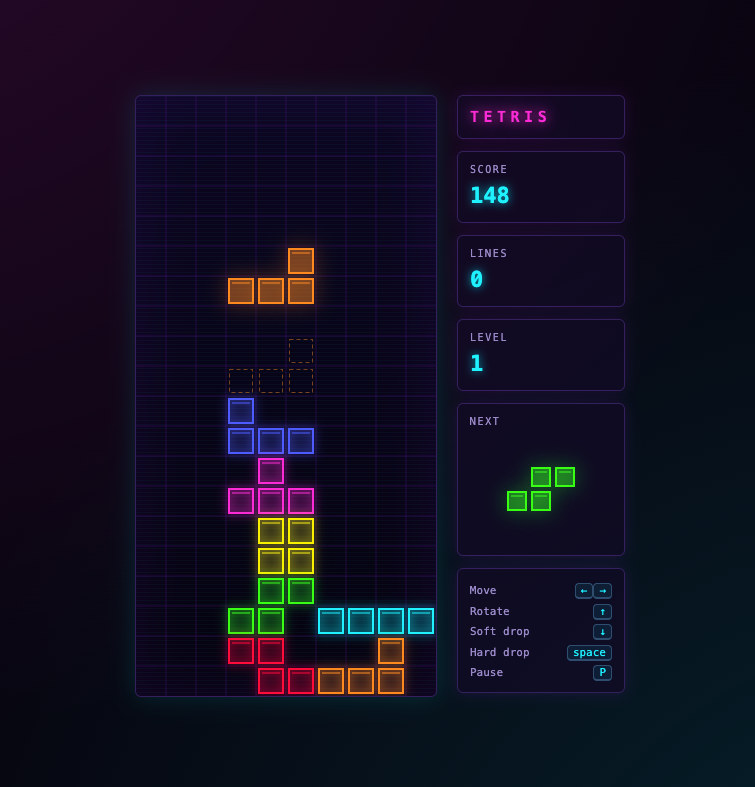
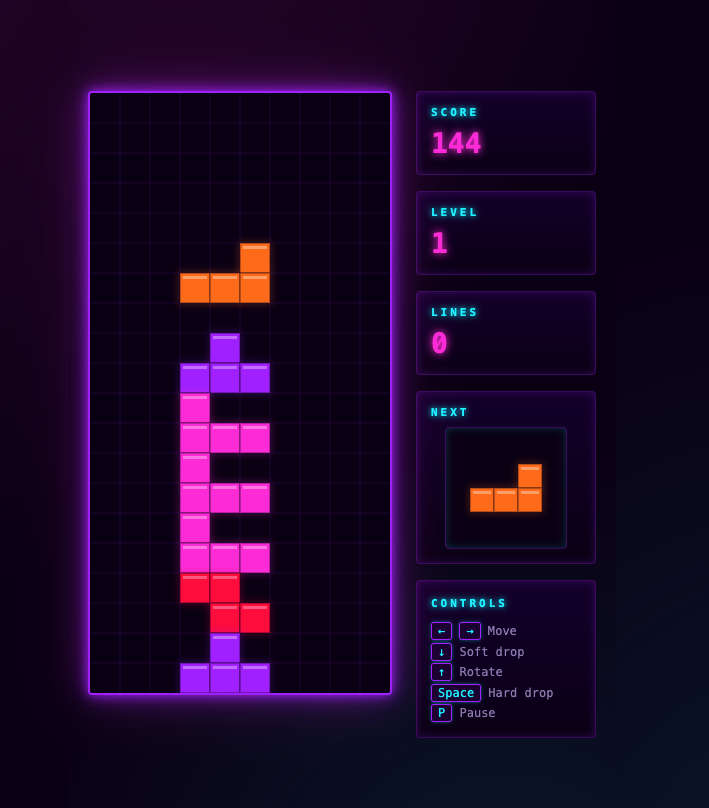
The visuals came out mostly the same. Opus edged it on the blank-slate UI, which tracks with my experience. I trust Opus more when there's nothing on screen to anchor a design. The generated code was close to identical in structure.
Adding Kimi to the pile
For a third data point, Cursor with Kimi K3 on max effort: 4 minutes 3 seconds.
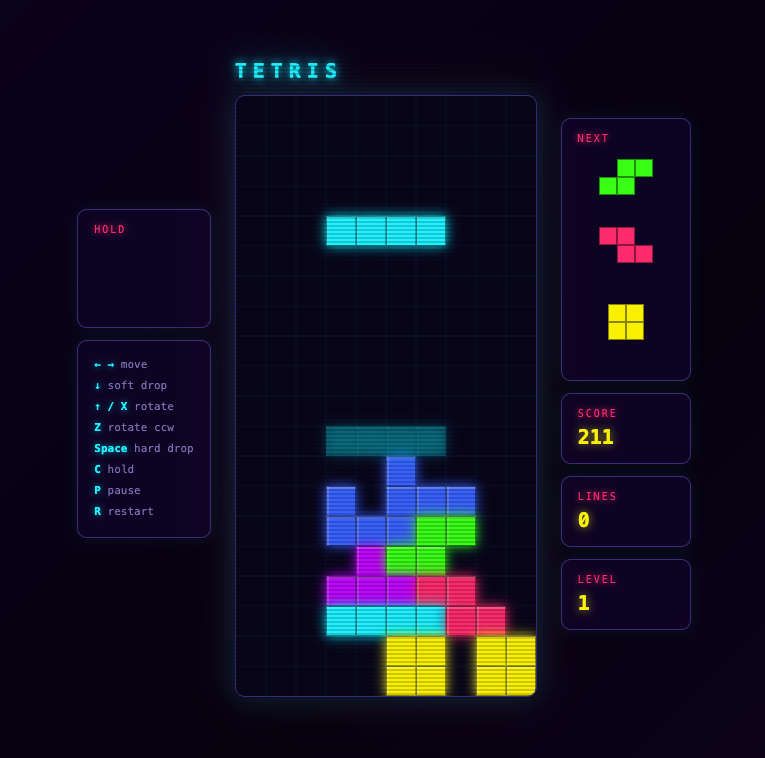
Visuals are fine. The code has a bug, the game doesn't auto-start, and the structure feels a step down: a big list of global variables where Opus and GLM both scoped things more tightly. Again, totally unscientific, but Kimi felt buggier and the code quality "felt" lower.
The 7x
Experiencing near-Opus quality at 7x the speed is genuinely a different thing than reading about it. The loop tightens. You ask, you get an answer, you ask again, all before you've lost the thread.
If this is what 7x feels like, I'd like to see 70x.