Consistent AI Images Across Pages
Generating AI images for a marketing site is easy. Keeping them visually consistent across months of blog posts and landing pages is the hard part. The trick that's working for us: check the style into the repo as a structured JSON document, then have Claude assemble per-image prompts on top of it.
The setup
A new work site needs a lot of imagery to break up dense technical copy. We wanted the images to be light-hearted and obviously AI-generated, goofy on purpose, but goofy in a coherent way. Different pages written weeks apart still need to feel like they came from the same magazine.
Capture the style once
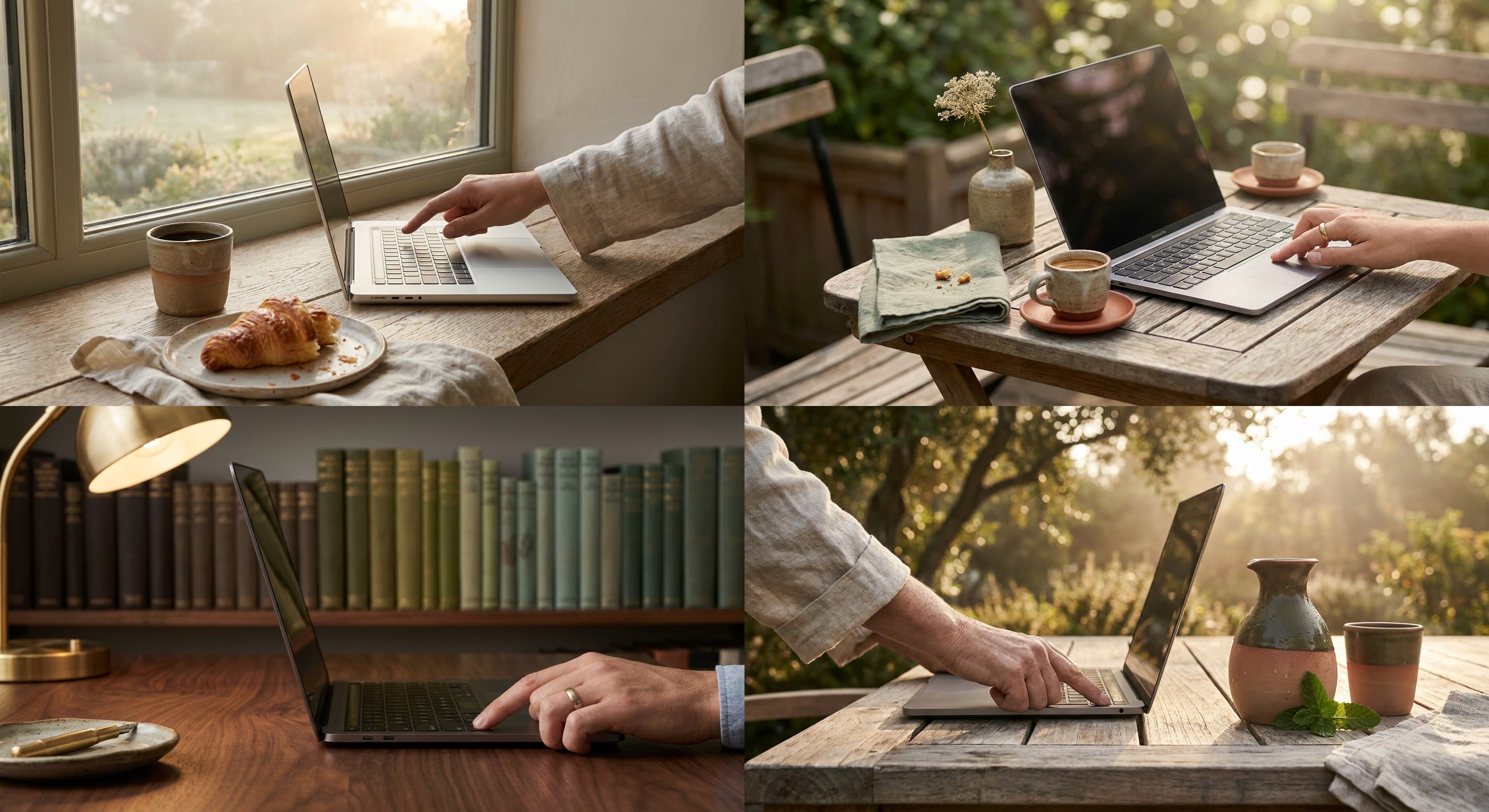
The first move was to take a single reference image we liked and ask Claude (Opus) to describe it as a reusable prompt fragment for other image models. Not prose. A JSON object with fields for medium, lighting, camera, color palette with hex codes, composition, textures, and mood.
{
  "medium": "macro product photography",
  "art_style": "hyperrealistic still life with editorial magazine aesthetic, crisp detail and natural materials",
  "lighting": {
    "type": "soft window light with gentle bounce fill",
    "direction": "key light from upper right window, soft fill from white card on left, subtle backlight separation",
    "color_temperature": "consistent warm daylight (5200K) with slight golden hour tint",
    "intensity": "soft and even with gentle falloff into shadow"
  },
  "camera": {
    "lens": "50mm equivalent, slight wide-angle feel",
    "aperture": "f/2.8",
    "angle": "slight low-angle three-quarter front view",
    "depth_of_field": "shallow with soft background blur and atmospheric haze"
  },
  "color_palette": {
    "warm_cream": "#F2E8D5",
    "muted_sage": "#A8B89E",
    "terracotta": "#C97B5A",
    "soft_taupe": "#8A7968",
    "deep_olive": "#4A5240",
    "linen_white": "#EFEAE0",
    "espresso": "#2B221A"
  },
  "composition": "off-center subject following rule of thirds, negative space on left, layered foreground and background elements creating depth",
  "textures": "raw linen weave, hand-thrown ceramic with subtle glaze pooling, weathered oak grain, condensation droplets, fine paper fiber, matte natural finishes",
  "mood": "calm, considered, artisanal, slow-living editorial warmth with quiet sophistication"
}
That file gets checked into the repo. It is the source of truth for what the site looks like.
Wrap it in a script and a skill
A small image-generation script reads the JSON, takes a per-image subject description, and assembles the final prompt. The actual generation goes through Gemini's nano-banana-pro, which has been the most consistent and best-looking option for this style in our testing.
On top of that sits a Claude skill. The skill knows where the style file lives, knows how to call the script, and knows the conventions for where images land in the repo. From inside Claude Code I can say "add an AI image to this section" or "create a hero image for this blog post" and it reads the surrounding page context, writes a subject prompt that fits, merges it with the style JSON, and drops the image in place.
Why this holds up
The style and the subject are separated. Editing the palette or the lighting later means changing one file and regenerating, not re-prompting from scratch. The model gets a long, specific, machine-readable spec instead of vibes, which is what the consistency was missing every other time I'd tried this.
Sketched by a human, rewritten with AI / claude-opus-4-7